

Amazon Listing suppression is a common issue that reduces product visibility and sales. When a listing is suppressed, it becomes hidden from search results even though it remains in your inventory. This directly impacts traffic and conversions, making quick resolution essential.
Amazon enforces suppression to maintain high-quality standards across its marketplace. Listings must meet strict requirements for content, images, and compliance. If any key element is missing or incorrect, Amazon may restrict the listing to protect customer experience.
What is a Suppressed Listing on Amazon?
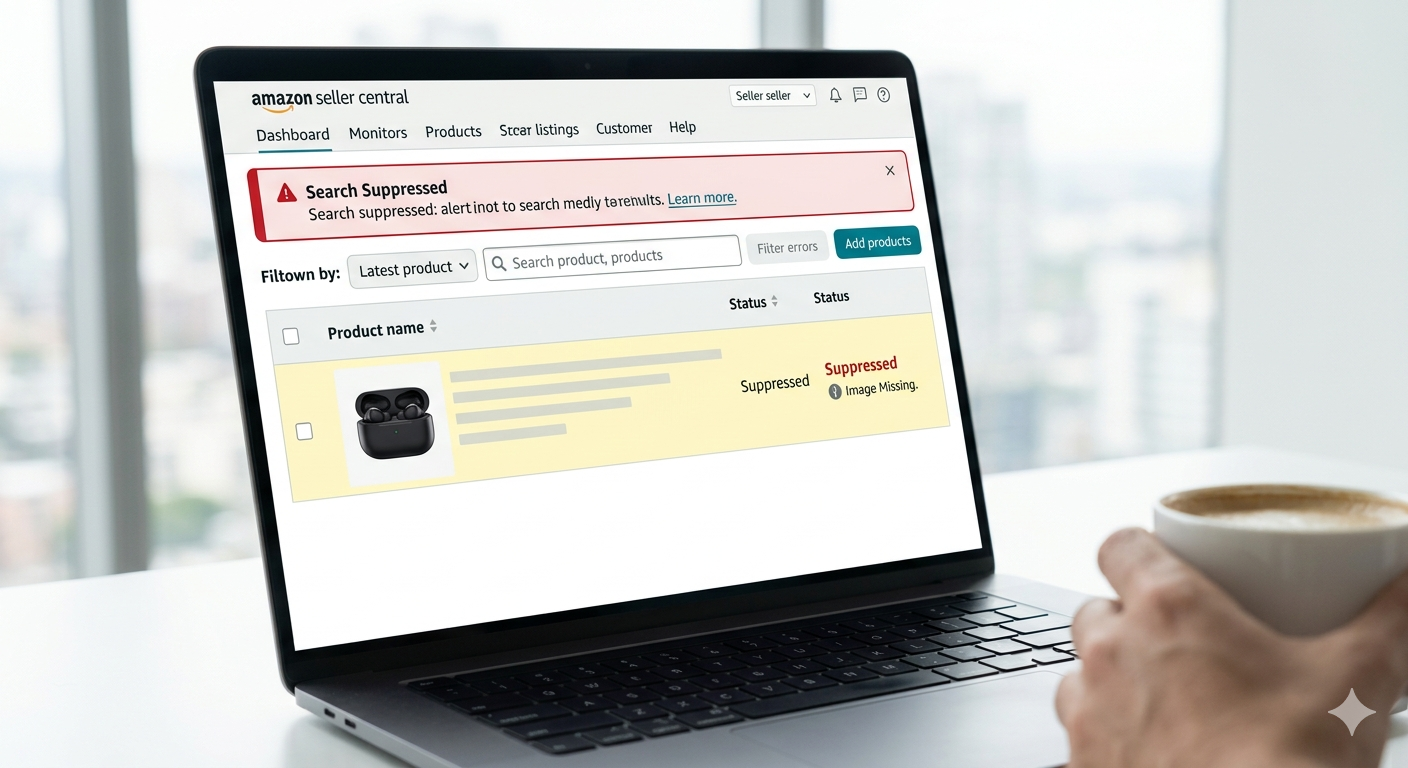
A suppressed listing
is a product page that Amazon has removed from search visibility due to incomplete or non-compliant information. While the listing still exists, customers cannot easily find it through search.
This usually happens when required attributes such as title, images, or descriptions are missing or incorrect. Amazon highlights these issues so sellers can fix them and restore the listing quickly.
Common Reasons for Amazon Listing Suppression
One major reason for suppression is missing essential attributes. If a product title, bullet points, or description is incomplete, Amazon may flag the listing. These elements are critical for both SEO and customer understanding.
Image issues are another common cause. Amazon requires a high-resolution main image with a pure white background. Any use of logos, watermarks, or low-quality visuals can lead to suppression.
Category-specific requirements also play a role. Missing size, color, or technical specifications can result in non-compliance. Each category has unique rules that must be followed carefully.
Policy violations can also trigger suppression. Using restricted keywords, making misleading claims, or violating intellectual property rules can cause Amazon to restrict the listing.
Backend errors such as incorrect SKUs, invalid product IDs, or poor variation structure can also lead to suppression. These technical issues are often overlooked but highly important.
How to Fix Suppressed Listings on Amazon Fast
The fastest way to fix suppressed listings is to follow a structured approach. Identifying and resolving the exact issue ensures quick reinstatement and minimal sales loss.
Step 1: Go to Fix Suppressed Listings Dashboard
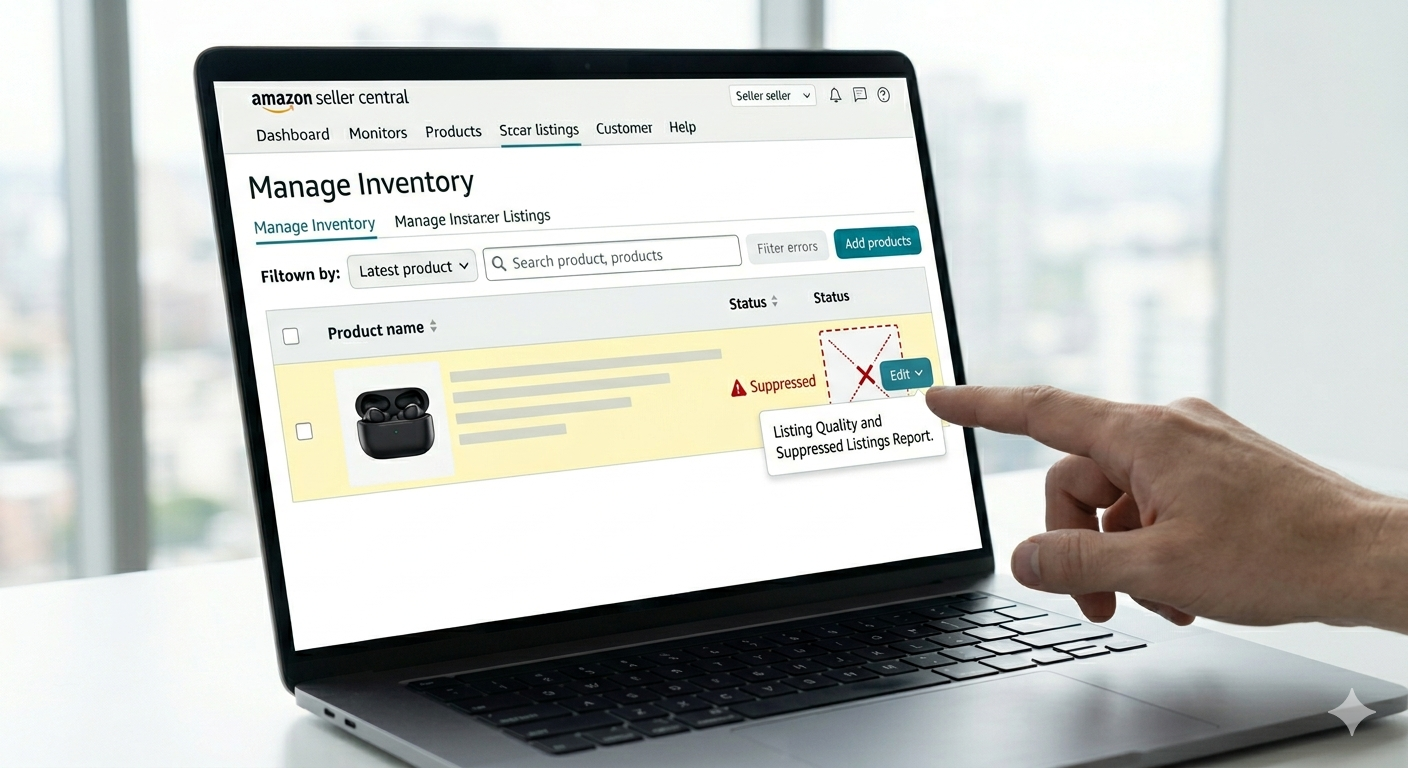
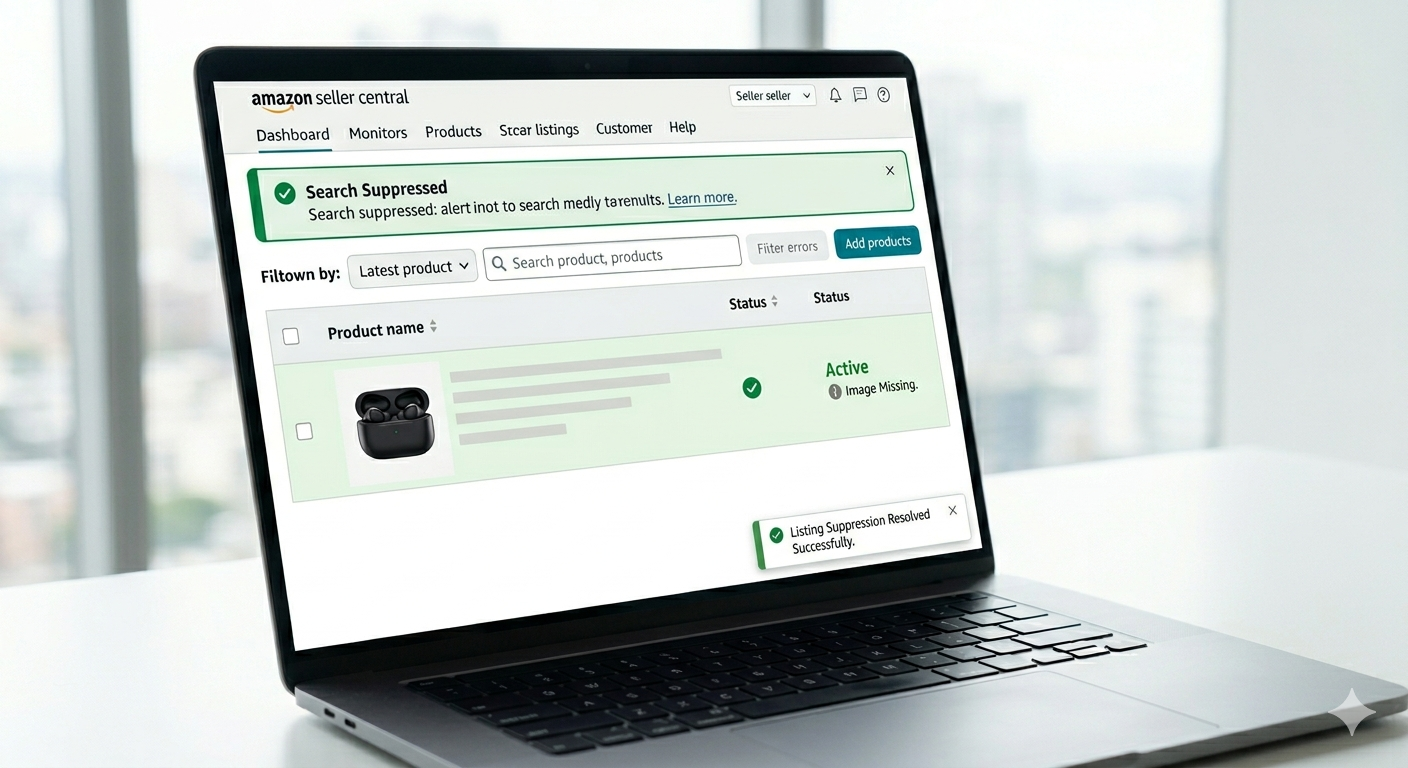
Start by logging into Seller Central and navigating to the suppressed listings section under inventory. This dashboard shows all affected listings and highlights the exact issues.
It is the most efficient way to identify problems because Amazon clearly marks missing or non-compliant fields that need correction.
Step 2: Identify the Root Cause
Open the affected listing and review all highlighted errors. Amazon usually indicates which attributes are missing or incorrect, making it easier to focus on the exact issue.
Understanding the root cause saves time and prevents unnecessary changes. Always address the specific errors shown in the system.
Step 3: Optimize the Product Title
A well-optimized title is essential for both compliance and SEO. It should include relevant keywords and clearly describe the product while staying within Amazon’s character limits.
Avoid using restricted terms or overly promotional language. A clean, informative title improves both visibility and approval chances.
Step 4: Fix Product Images
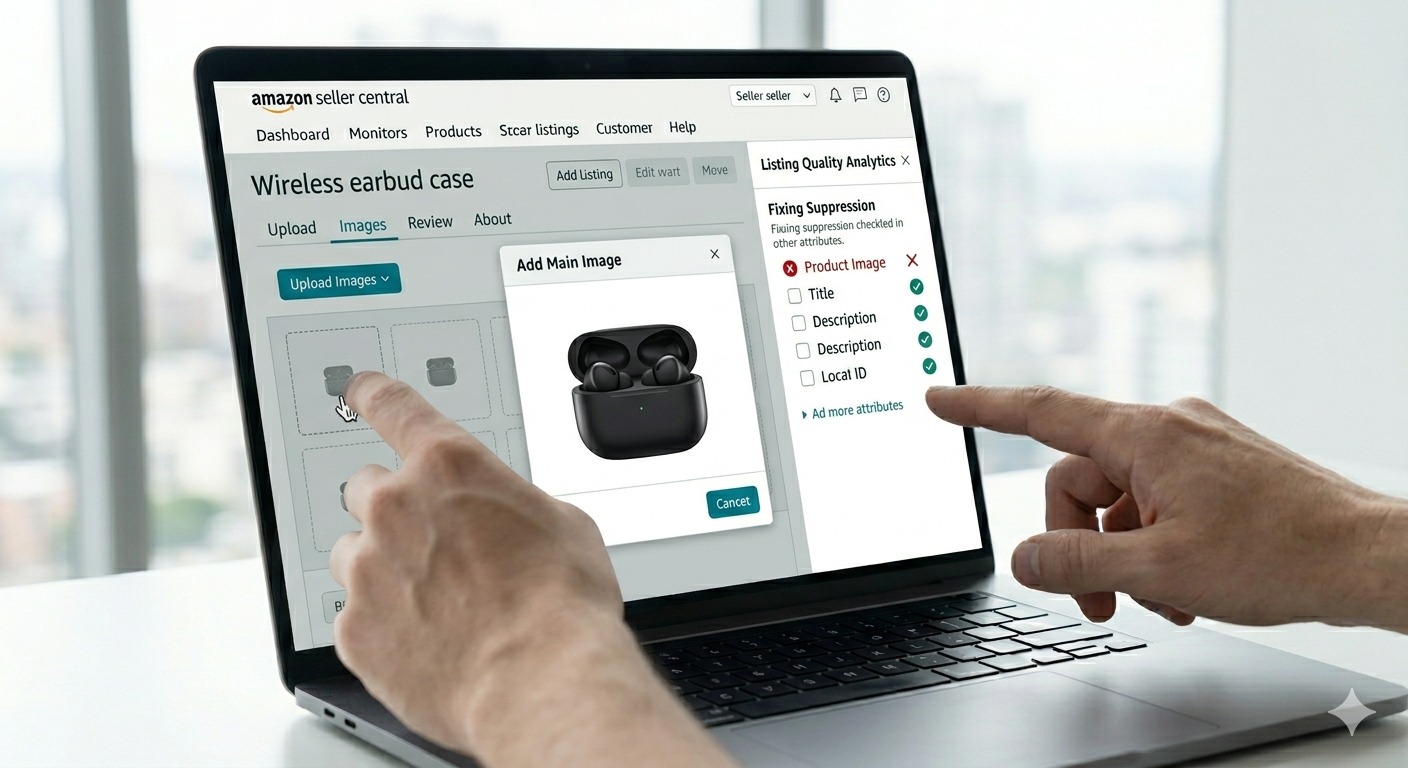
Images must meet Amazon’s strict guidelines. The main image should have a white background and high resolution to ensure clarity and professionalism.
Uploading a compliant image often resolves suppression quickly. It also improves click-through rates and customer trust.
Step 5: Complete Bullet Points & Description
Bullet points and descriptions should clearly explain product features, benefits, and usage. They must be informative and keyword-optimized without sounding unnatural.
Well-written content not only fixes suppression issues but also boosts conversions and enhances the overall listing quality.
Step 6: Fill All Required Attributes
Ensure all required fields such as brand, manufacturer, size, and material are completed accurately. Missing backend data is a major reason listings get suppressed.
Providing complete and accurate information helps Amazon categorize and display your product correctly.
Step 7: Fix Backend Keywords & Search Terms
Backend search terms should include relevant keywords that improve discoverability. Avoid repetition and do not use restricted or misleading terms.
Optimized backend keywords enhance SEO while ensuring compliance with Amazon’s policies.
Step 8: Resolve Policy Violations (If Any)
If suppression is due to a policy issue, remove any restricted claims or copyrighted content. Ensure the listing follows all Amazon guidelines.
In some cases, you may need to submit documents or an appeal. Providing clear and accurate information helps resolve the issue faster.
Step 9: Save & Wait for Update
After making all corrections, save the listing and allow Amazon time to process the changes. Most listings are reinstated within a few minutes to 24 hours.
Timely updates and accurate fixes ensure quick recovery and minimal disruption to sales.
Pro Tips to Fix Suppressed Listings Even Faster
Focusing on high-performing listings first can help recover lost revenue quickly. These products have the most impact on your overall sales.
Fixing the main image is often the fastest solution. Many suppression issues are resolved immediately after updating a compliant image.
Using flat files for bulk updates can save time when managing multiple listings. It allows faster corrections across large inventories.
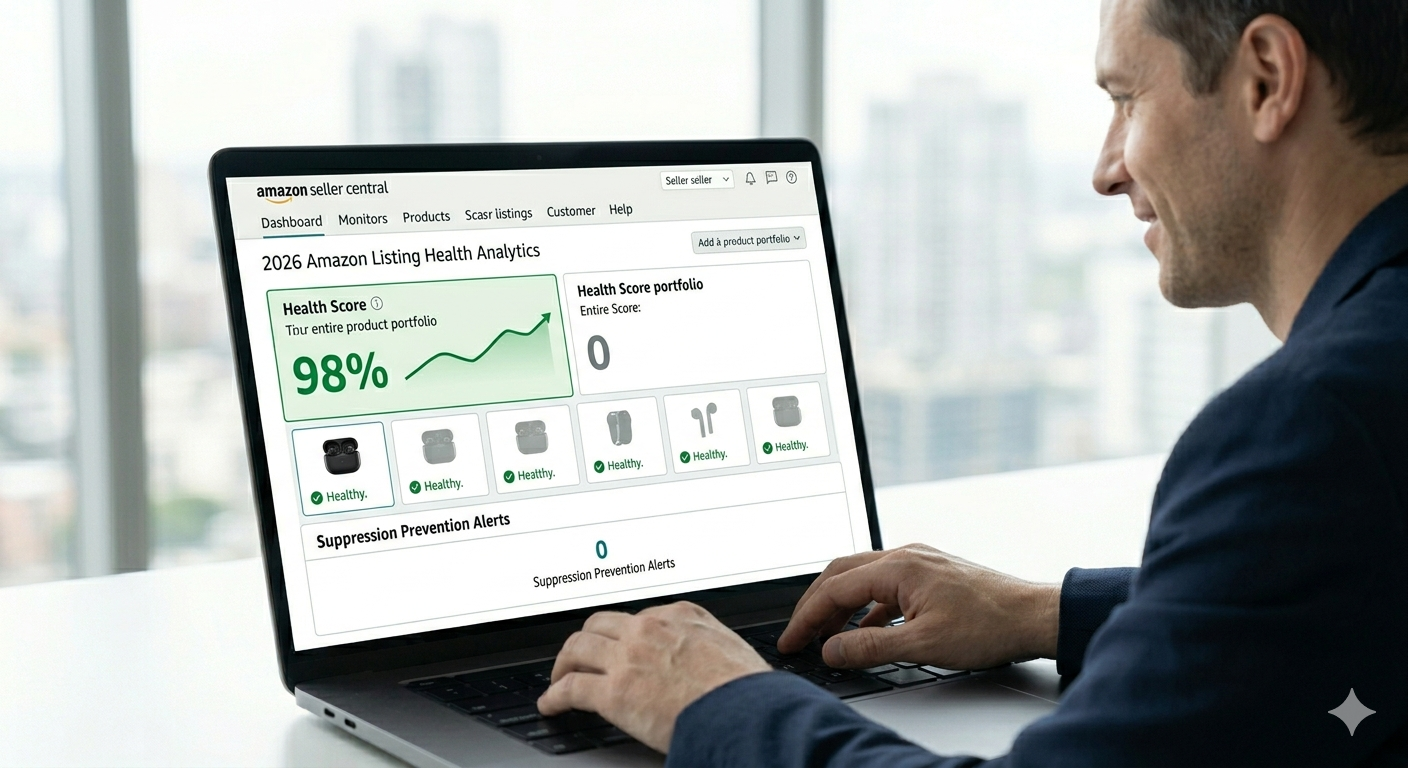
Regular monitoring of account health helps detect issues early. This prevents small errors from turning into major problems.
How to Prevent Listing Suppression in the Future
Following Amazon’s category-specific style guides is essential to avoid suppression. Each category has unique requirements that must be met.
Investing in high-quality images ensures compliance and improves listing performance. Visual quality plays a major role in both approval and conversions.
Regular listing audits help identify and fix issues before they lead to suppression. Consistent monitoring keeps your listings optimized.
Staying updated with Amazon policies is crucial. Changes in rules can affect listings, so adapting quickly helps maintain compliance.
Accurate backend data and proper variation setup reduce the risk of errors. Well-structured listings are less likely to face suppression.
FAQ Section
How do I fix suppressed listings on Amazon?
You can fix suppressed listings by completing missing fields, updating images, optimizing titles, and resolving any policy violations in Seller Central.
Why is my Amazon listing suppressed?
Amazon suppresses listings due to missing product data, image issues, backend errors, or policy violations.
How long does it take to fix a suppressed listing?
Most listings are restored within 15 minutes to 24 hours after all issues are corrected.
Can images cause Amazon listing suppression?
Yes, low-quality images, non-white backgrounds, or images with text can lead to suppression.
Do backend keywords affect listing suppression?
Yes, incorrect or missing backend data can cause suppression and reduce visibility.
SEO Keywords to Target (High Ranking)
Fix suppressed listings on Amazon is a high-value keyword for sellers facing visibility issues. It targets users actively looking for solutions.
Amazon listing suppressed solution is another important keyword. It captures users searching for quick fixes and expert guidance.
How to unsuppress Amazon listing fast is a strong long-tail keyword. It attracts users with urgent intent and high conversion potential.
Amazon listing errors and solutions helps target broader issues related to listing optimization and compliance.
Amazon product listing optimization is essential for improving visibility, ranking, and sales performance.
Final Thoughts
Suppressed listings can significantly impact your Amazon business if not addressed quickly. However, most issues are easy to fix when you understand the root cause and take the right steps.
By following a structured approach and ensuring compliance, you can restore your listings and improve performance. Consistent optimization and monitoring will help prevent future suppression and support long-term growth.