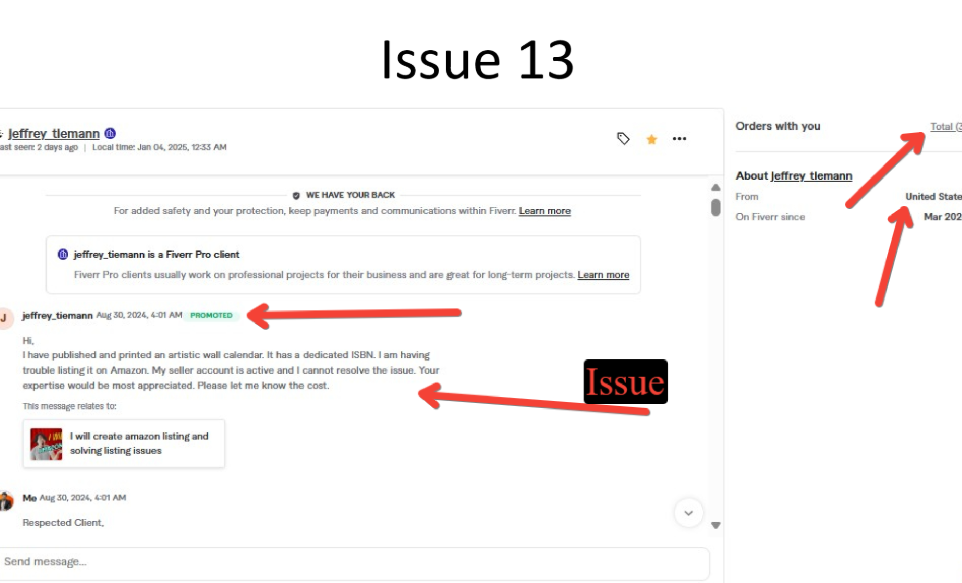
First, I identified the root cause of the Amazon barcode (GTIN/UPC/EAN) issue, which was typically caused by incorrect, invalid, duplicate, or unregistered barcodes, or missing brand authorization where GTIN requirements were enforced. In some cases, the issue also occurred due to mismatched product identifiers or non-compliant catalog data that prevented successful listing creation or approval.
Then, I conducted a detailed verification of product identifier requirements within Amazon Seller Central, including ASIN mapping, brand eligibility checks, and category-specific GTIN policies. This helped determine whether the listing required a valid GS1-issued barcode or qualified for a GTIN exemption based on brand status or product type.
After that, I resolved the issue by updating the listing with a correct and valid barcode sourced from an authorized provider (such as GS1) or by applying for and securing a GTIN exemption where applicable. I ensured all product identifier fields were accurately updated to match Amazon’s catalog requirements and prevented further validation errors during listing submission.
Moreover, I aligned the listing data with Amazon’s compliance standards by ensuring consistent product identity across all attributes, including title, brand name, and variation structure. This helped eliminate catalog conflicts, improve listing approval speed, and strengthen overall data integrity within Amazon’s system.
Finally, the product was successfully listed without errors, ensuring full compliance with Amazon’s barcode policy. This resulted in improved listing accuracy, faster approval, enhanced catalog consistency, and stronger readiness for indexing, visibility, and long-term Amazon SEO performance.
Digital Target Marketing offers a broad range of online services from retail branding and shopping cart development, to email & mobile marketing. With state-of-the-art reporting, site analytics, & build-a-brand testing, we can track where every penny is best spent along with where your campaign is succeeding & where it needs a lift.